Organize your space
Show us the room.
We'll tell you what's in your way, what to buy, and show you the after in 30 seconds.
Choose a photo that shows the area you want to organize. Include the shelves, furniture, and belongings you want help with.
Photos are analyzed and not stored. By uploading, you agree to our Terms of Service and Privacy Policy. Upload only photos you own; no illegal, explicit, or private content of other people.
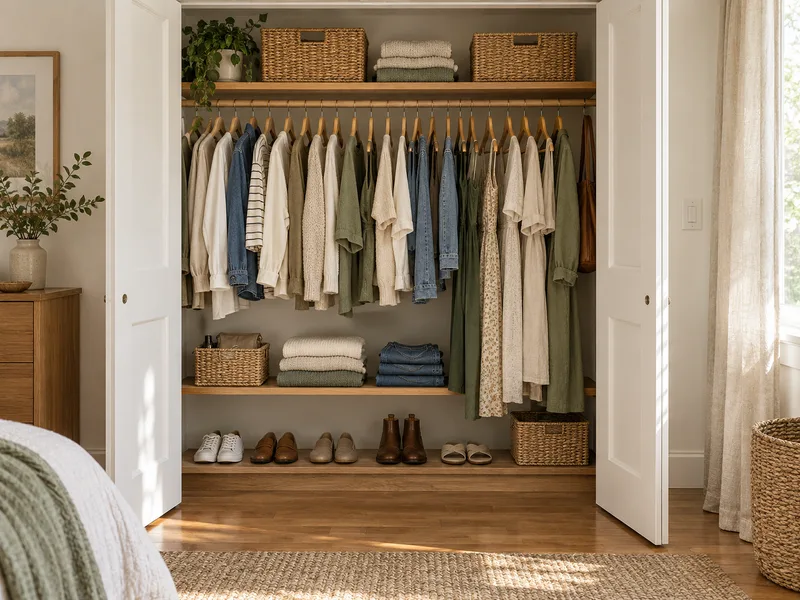
Real rooms. One photo each.
Before and after, room by room.
Each room went through the analyzer exactly as yours would. The after image is an AI-generated concept built from the plan, not a photo of the finished room.
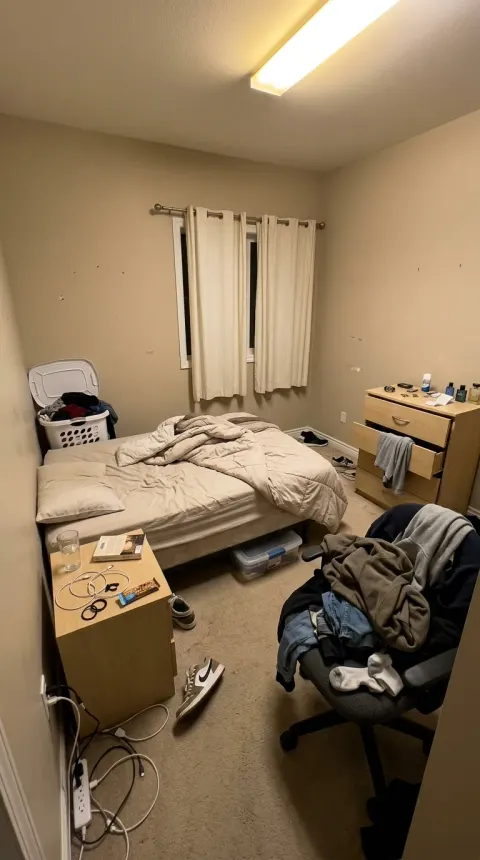 Before
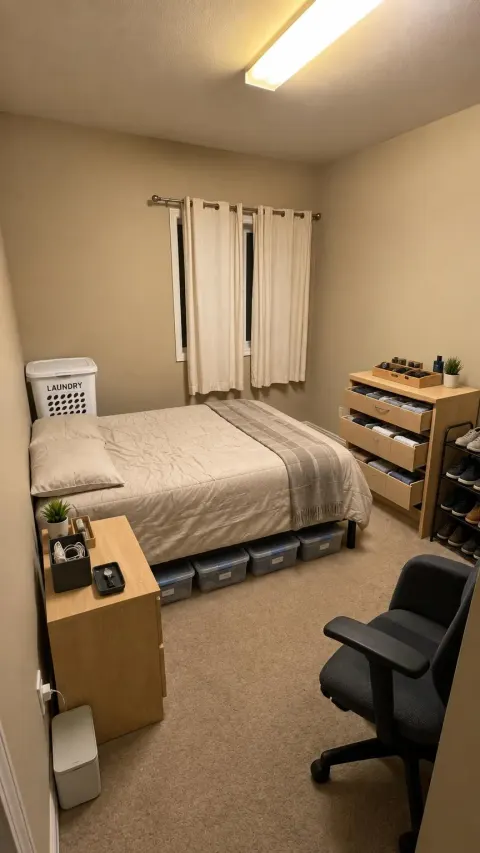 After · AI concept
Bedroom
Bedroom organization
Let's get those shoes and clothes off the floor.
See the plan (5 fixes)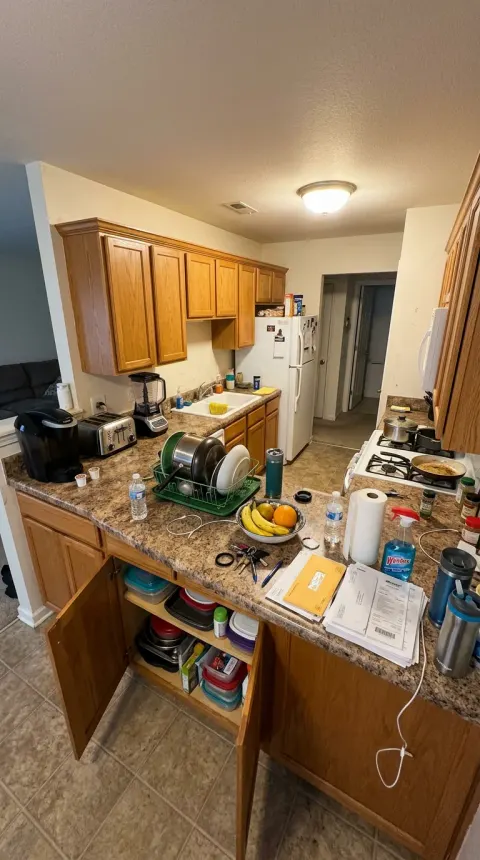 Before
 After · AI concept
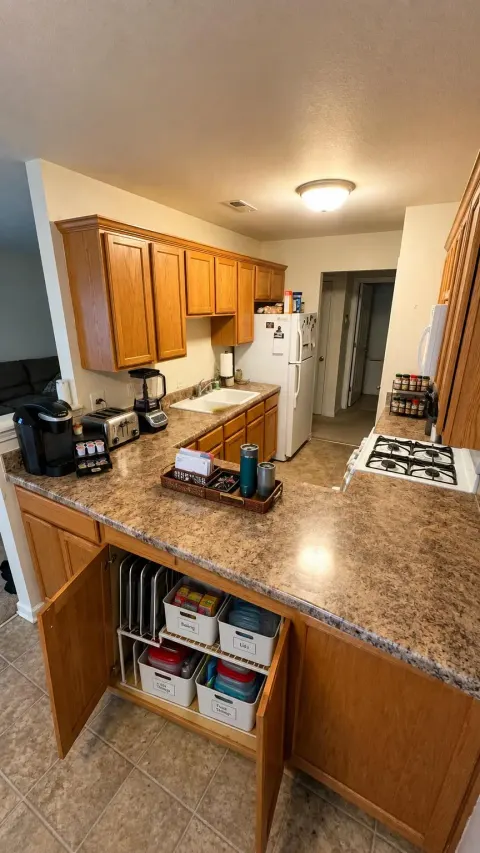
Kitchen
Kitchen organization
All these items need a designated home away from the prime food prep and cooking zones.
See the plan (4 fixes)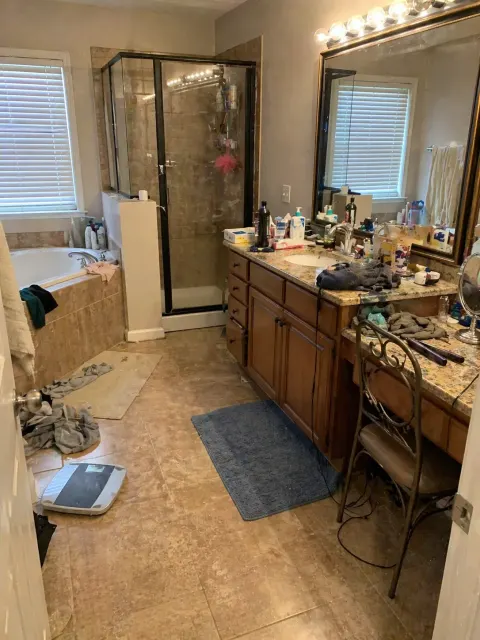 Before
 After · AI concept
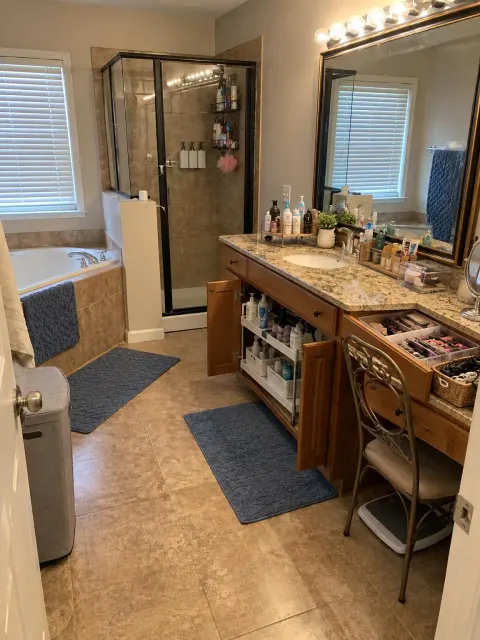
Bathroom
Bathroom organization
We're going to create zones on this counter.
See the plan (5 fixes)Browse by space
Same tool, focused on your room. Pick the closest match and we handle the rest.
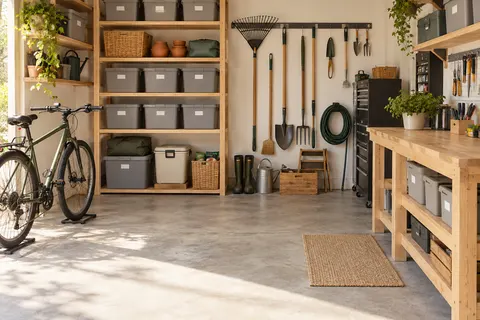
Garage
Get the car back in.
Analyze my garage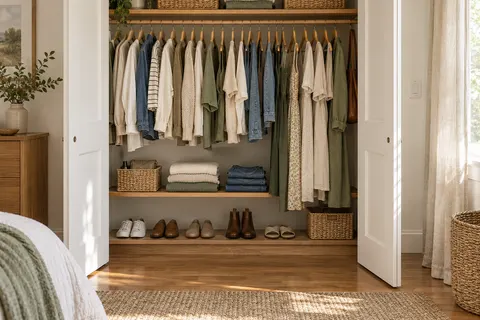
Closet
Everything visible, nothing on the floor.
Analyze my closet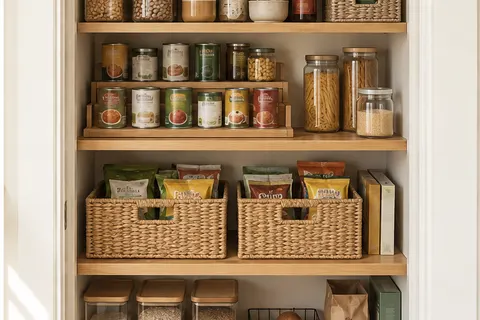
Pantry
See what you have before you shop.
Analyze my pantry
Bedroom
Storage where the floor space is not.
Analyze my bedroom
Kids Playroom
A cleanup a child can actually do.
Analyze my kids playroom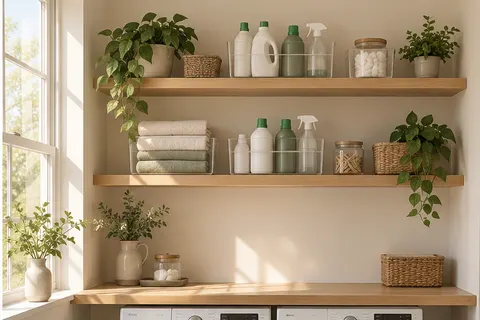
Laundry Room
Sorted, folded, off the machine.
Analyze my laundry room
Bathroom
Clear the counter, keep the routine.
Analyze my bathroom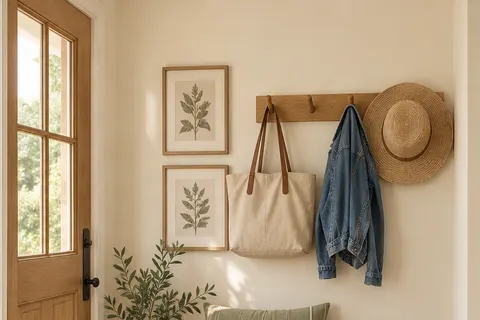
Mudroom
Coats, shoes and bags with a home.
Analyze my mudroom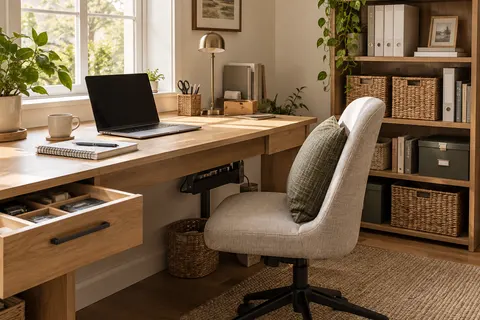
Home Office
A desk you can sit down at.
Analyze my home office
Kitchen
Counters clear, cabinets that make sense.
Analyze my kitchen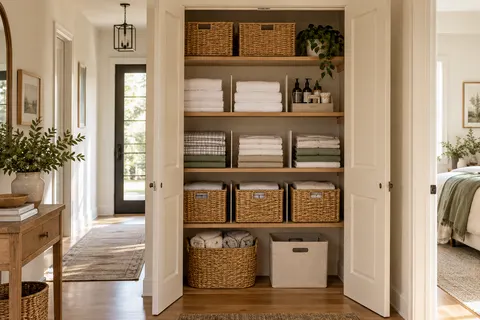
Linen Closet
Fold once, find it every time.
Analyze my linen closet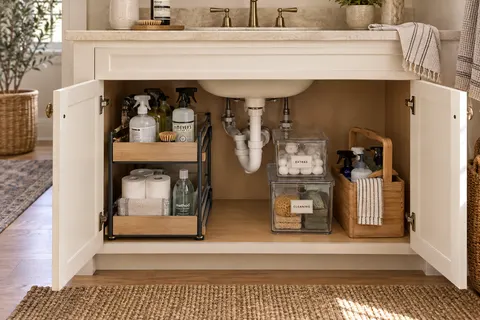
Under Sink
The cabinet you never open, mapped.
Analyze my under sink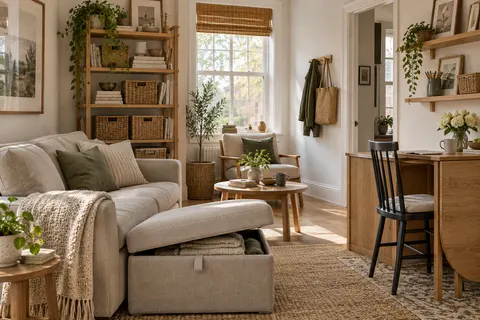
Apartment
Storage for rooms that do two jobs.
Analyze my apartment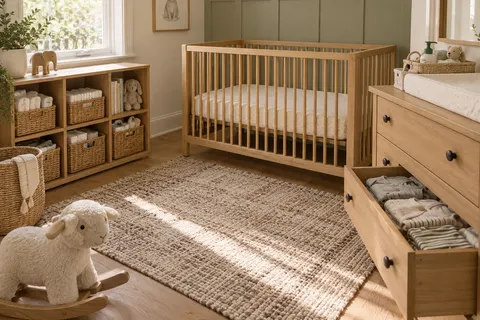
Nursery
Everything within reach at 3 a.m.
Analyze my nursery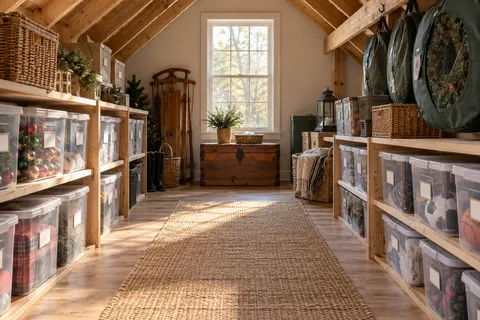
Attic
Seasonal things you can still get to.
Analyze my attic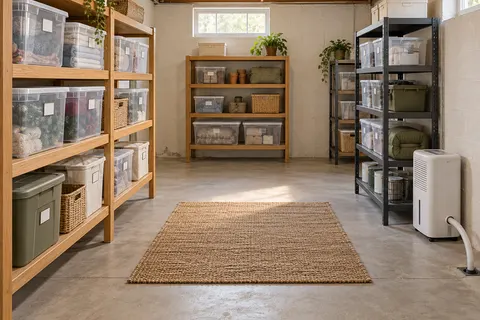
Basement
Off the floor and dry.
Analyze my basement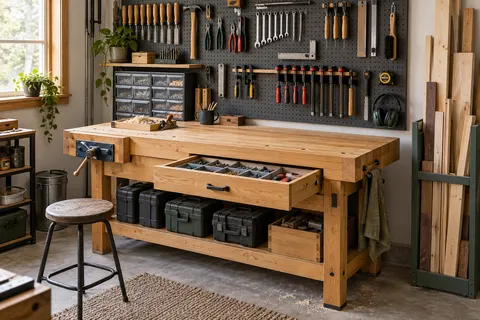
Workshop
A clear bench. The right tool within reach.
Analyze my workshop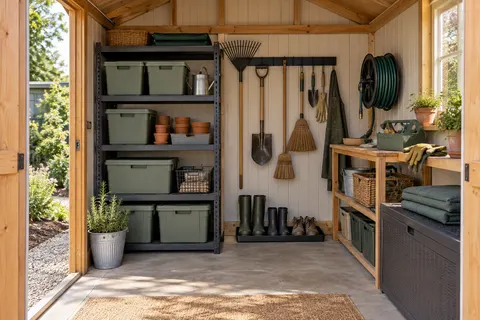
Shed
Seasonal gear with a place to come home to.
Analyze my shed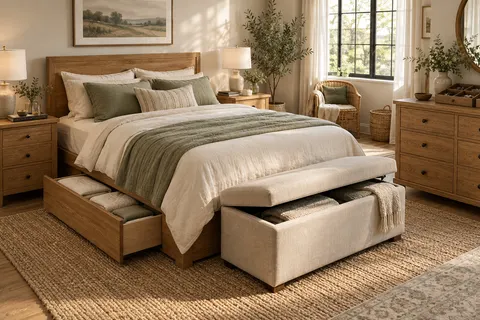
Master bedroom
A calmer room to start and end your day.
Analyze my master bedroom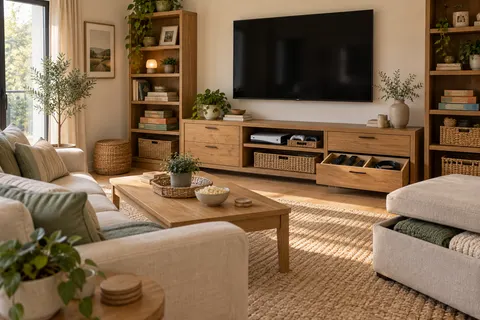
Entertainment room
Room for movie nights and game days.
Analyze my entertainment room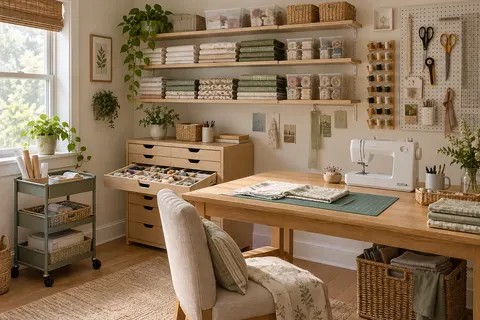
Craft & sewing room
Make room for your next project.
Analyze my craft & sewing room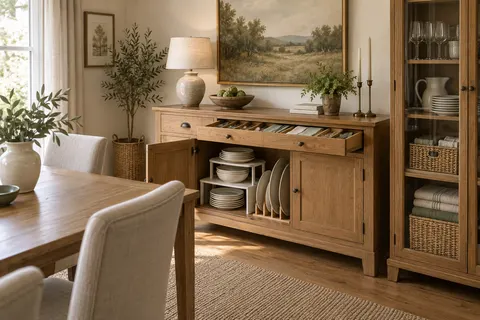
Dining room
Everything ready for a place at the table.
Analyze my dining room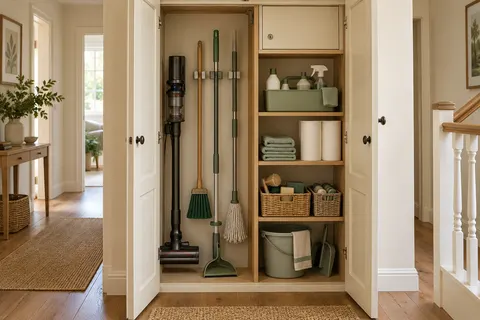
Utility & cleaning cupboard
A home for the things that keep home running.
Analyze my utility & cleaning cupboard
A few questions, answered
How does the space analyzer work?+
Upload one photo of a room or an area of one. We look at what is in the frame, describe what is getting in the way, and return up to six specific fixes in priority order, each with one product suggestion sized to what the photo shows, plus a few things you can do right away without buying anything. From there you can ask for a rendered preview of the same space organized. Most results come back in under a minute.
Is the after image a real photo?+
No. It is an AI-generated concept built from the plan, not a photo of the finished room. It keeps your walls, floor and furniture and adds only what the fixes name, so it shows the idea rather than promising a result. Treat it as an illustration.
What happens to my photo?+
We do not save it. The photo is sent over an encrypted connection to an AI provider for the analysis and, if you ask for one, the preview, and it is held only for the length of that request. Your own browser keeps your most recent result so you can come back to it; tapping Try another photo clears it. The details are in our Privacy Policy.
Can I save my plan?+
Yes. On a phone, Save my plan opens the share sheet with the plan text, your photo and the after concept attached, so you can send it to your own Mail, Notes or Messages. On a computer, Email me this plan opens a new message in your mail app with the plan as the text. Either way it goes from your device to you; it does not pass through our servers and we never see your address.
What kind of photo works best?+
One area, taken from where you would normally stand, in daylight if you can, with the shelves, the floor and the belongings all in the frame. A whole room from the doorway works, and so does a single closet or cabinet. JPEG, PNG, WebP and HEIC are accepted up to 20 MB. Documents, screenshots and photos of people with no room around them are declined.
Is it free, and is there a limit?+
It is free, with no signup and no email. To keep it available to everyone, each address can run eight analyses and four previews an hour.
How does HomeStorage.com make money from this?+
The product suggestions link to Amazon searches, and we earn a commission when you buy through those links at no extra cost to you. The suggestions are chosen for the space in the photo, not for the commission, and you can ignore every one of them and still use the plan.
What if my problem is too much stuff, not too little storage?+
The plan will say so. When a room reads as more belongings than space, the first recommendation is to sort before buying anything, with a link to our declutter tool, which suggests what to keep, donate, sell or toss from the same kind of photo. Bins do not fix a pile.